
How can we help?
From vehicle-related categories to our most popular topics, we are here to provide the needed support.
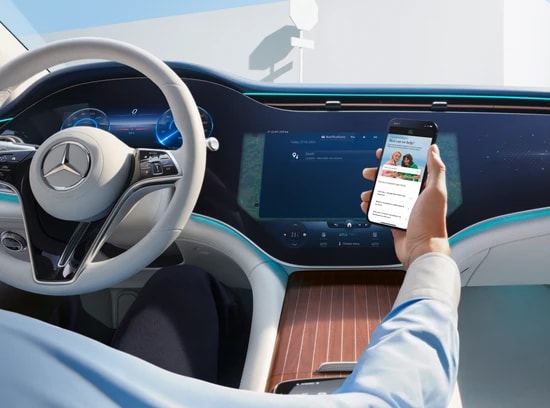
Mercedes me ID is your access point to the digital world of Mercedes-Benz. With a Mercedes me ID, you can create a profile and use a wide array of available Mercedes-Benz Digital Extras. Register for your Mercedes me ID to start experiencing everything Mercedes-Benz ownership has to offer.
Please follow the steps below to register for a Mercedes me ID:
-
Download the Mercedes-Benz App from your app store.
-
Open your Mercedes-Benz App.
-
Click “Register”.
-
Type in your email address and click “Continue”.
-
Enter your personal details.
-
Read the terms and conditions and tick the box to indicate you have done so.
-
Click “Register”.
-
Enter the verification code sent to your phone or email address to complete your registration.
Activate the Stolen Vehicle Help service in your Mercedes-Benz App to be able to locate your car in case it is ever lost or stolen.
Mercedes-Benz offers the service Stolen Vehicle Help that can aid in the recovery of a lost or stolen car. The service can be purchased as part of Urban Guard Plus or separately in the Mercedes-Benz Store. Please note that the service is only available if you activate it before the car goes missing.
Activating Stolen Vehicle Help
Please follow the steps below to activate Stolen Vehicle Help:
-
Open your Mercedes-Benz App.
-
Open the vehicle menu in the upper left corner.
-
Select the relevant car.
-
Go to “Manage Digital Extras”.
-
Select “Stolen Vehicle Help” and slide the toggle to activate the service.
Using Stolen Vehicle Help
Please follow the steps below to use Stolen Vehicle Help:
-
Open your Mercedes-Benz App.
-
Tap the Vehicle tab.
-
Select “Stolen Vehicle Help”.
-
Confirm your data.
-
Contact the police.
-
Call our experts.
Once you have successfully initiated Stolen Vehicle Help, our service partner will process data for the police. From this point on, the live location of your car is being shared with the police.
By following a few simple steps, you can see if your Mercedes-Benz has the latest map version.
Please follow the steps below to see your car’s current map version:
-
Log into the Mercedes-Benz website.
-
Click the Profile Icon.
-
Open your Dashboard.
-
Select the relevant car.
-
Click “Manage Digital Extras”.
-
Click “Online Map Update”. You will see which regions are up to date and which can be updated.
A Mercedes-Benz Service Plan offers flexible plan configurations and payment options, making it easier than ever to schedule and pay for routine maintenance services. Explore the possibilities and pick the option best suited to your budget and maintenance needs.
Service Plan prices vary based on model, the age of your car, and the type of plan you wish to choose. You have the choice to pay for your scheduled servicing costs in monthly instalments or upfront as a one-off payment in full.
To find out your Service Plan options and cost for your car, visit our Service Plan Online Tool or contact your preferred Mercedes-Benz Showroom.
How Connectivity Works
